
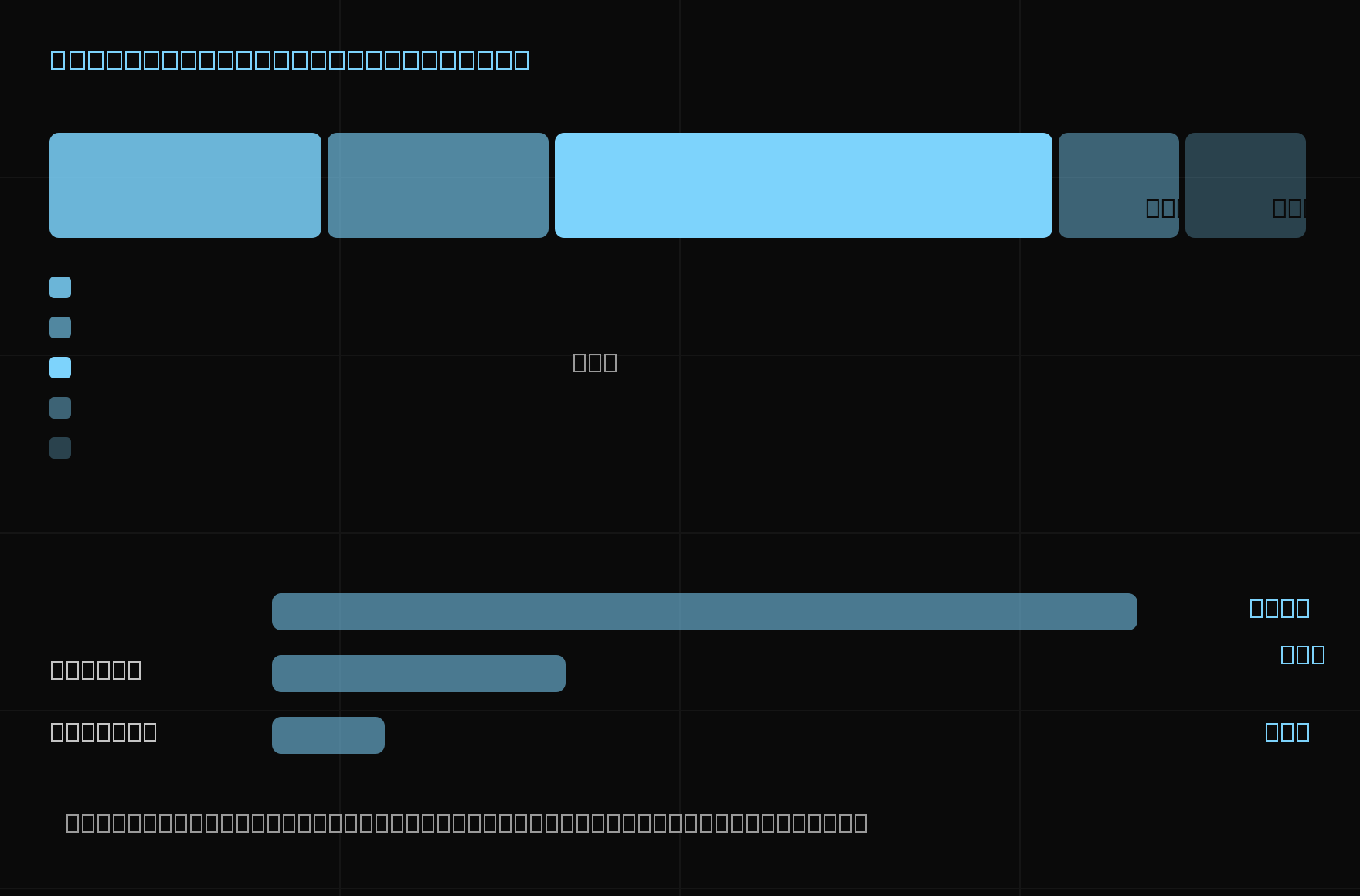
The single most common quoting mistake is treating a part as if it costs the same at any quantity. It does not. Some costs repeat with every piece, and some are paid once for the whole batch. This calculator keeps them apart.
LOCAL TOOL / NO DATA SENT
CNC part cost calculator
Material and machining time are per part; setup and programming amortise across the whole batch. All calculations stay in this browser.
Material / per part
Machining / per part
Batch costs
Material / part
PLN 127.01Machining / part
PLN 308.00Setup and programming / part
PLN 30.80Cost / part
PLN 465.81Net price / part
PLN 548.01Net price for the batch
PLN 13,700.24Planning model: material × (1 + allowance) + machining time × rate + (setup + programming) × rate ÷ batch quantity. Net price = cost ÷ (1 − margin); the calculator accepts 0–95% because 100% would divide by zero. The currency selector only changes the result format. The result excludes VAT, freight, outsourced finishing and quality costs unless you enter them under "other cost".
The model
Cost per part = material × (1 + allowance) + machining time × rate + (setup + programming) × rate ÷ quantity + other.
Net price per part = cost per part ÷ (1 − margin).
The third term is the one that moves. Setup and CAM programming are batch costs: they are paid once whether you make one part or five hundred. Dividing them by quantity is what produces a quantity break, and it is why the same drawing can be honestly quoted at very different unit prices.
What goes in each field
Stock mass is the mass of the billet you buy, not the finished part. If you do not know it, work it out with the material weight calculator and bring the number back.
Scrap and offcut allowance covers what you pay for but cannot use — saw kerf, the end of the bar, the material you must buy in standard sizes. A few percent for plate, considerably more when a part is cut from bar stock.
Machining time is spindle time per part, including tool changes and in-cycle moves. It is not the whole floor-to-floor time unless your rate already excludes loading and unloading.
Machine hourly rate should be your cost-recovery rate. Work it out with the machine hourly rate calculator if you have not already.
Setup and CAM programming are entered per batch. Programming is often the larger of the two on a first order and near zero on a repeat — quote a repeat with programming set to zero to see the difference.
Other cost per part is the catch-all for anodising, heat treatment, inspection, special tooling amortisation and anything else you would rather not model separately.
What this deliberately leaves out
This is a planning model, not a quoting system. It does not read your geometry, does not know which features drive your cycle time, and cannot tell you whether 1.4 hours is a realistic estimate for the part in front of you. That number still comes from your experience or your CAM software.
It also excludes VAT and other taxes, freight, packaging, minimum order quantities and any scrap credit you recover from the chips. The margin field accepts 0–95% because 100% would divide by zero, not because 95% is a recommendation.
For the reasoning behind which features actually drive machining cost, read what drives CNC machining cost and how to quote CNC parts.
Kostira applies this arithmetic to real STEP geometry — bounding box, stock, features and material read straight out of the file, against rates you save once. See how it works.