
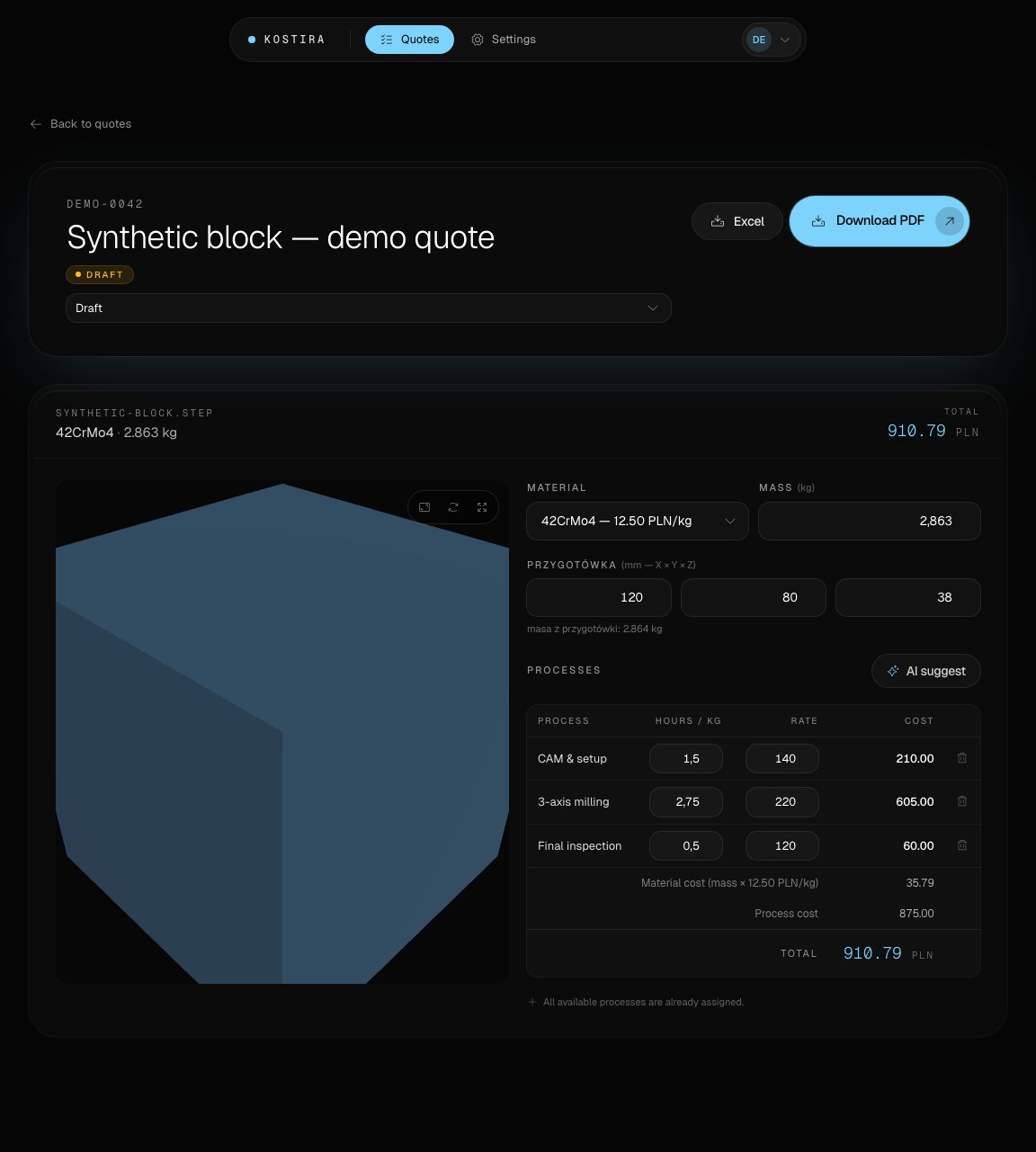
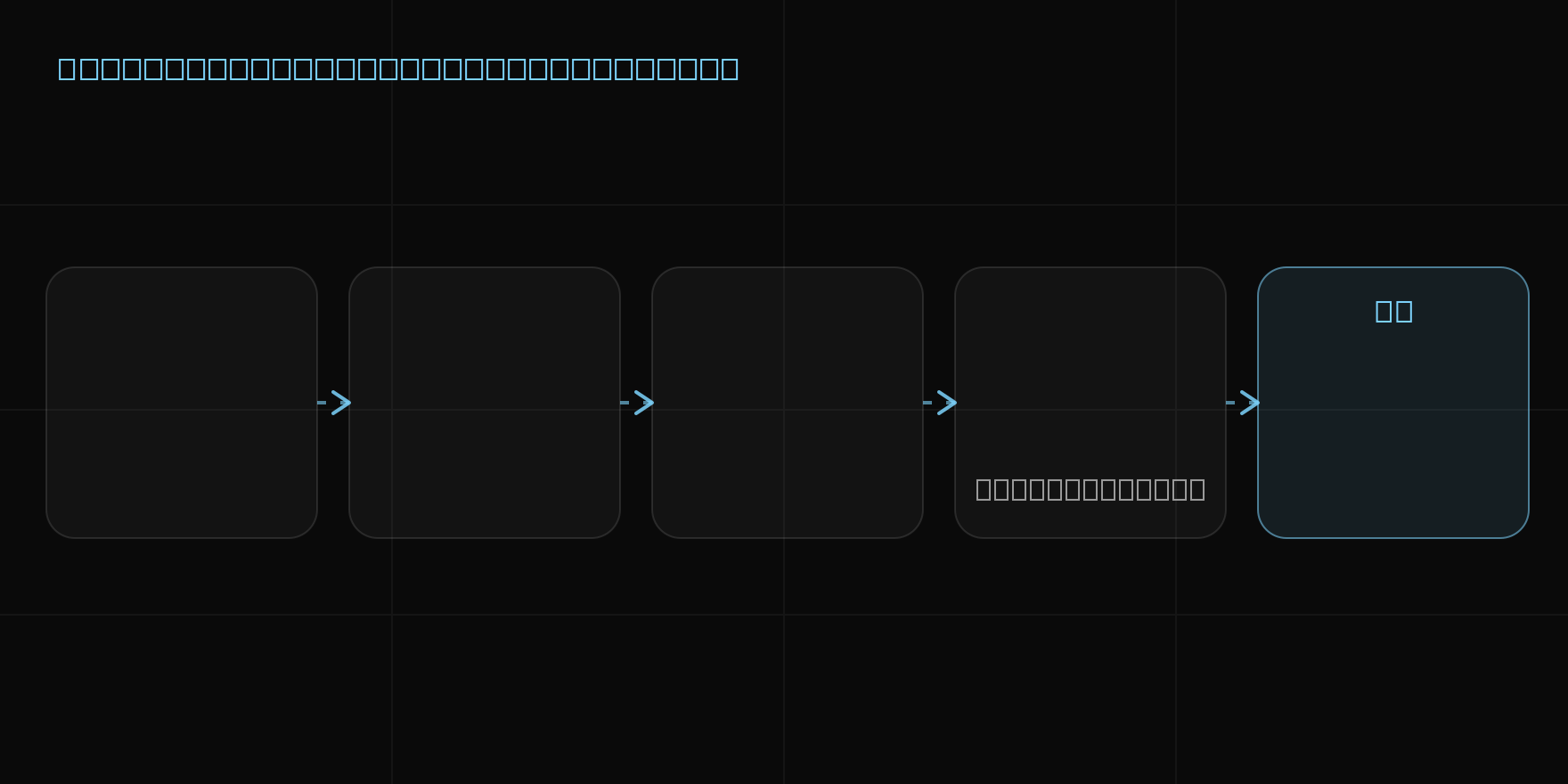
1. Add the part model
The workflow begins with a STEP file. Kostira runs in the browser, so there is no separate desktop application to install. Only use models you are allowed to process, and avoid including sensitive customer references in filenames when they are unnecessary.
2. Review the geometric inputs
Kostira reads the part geometry and prepares data for the estimate. This is where the estimator confirms stock assumptions and checks the drawing or RFQ for information that is not contained in the solid model.
The STEP file quoting guide explains this boundary in more detail.
3. Apply your shop rates
Material prices and process rates come from the shop’s own costing model. The user reviews the proposed scope, adjusts operations and hours, and adds information based on manufacturing experience. The result is not an anonymous price generated by a supplier marketplace.
4. Approve and export
After review, the editable estimate can support a customer-facing PDF quote or an XLSX export. Quantity, scope, commercial terms and technical assumptions should all be checked before the document is sent.
Where human judgment remains essential
Kostira does not automatically know machine loading, operator availability, supplier discounts or every tolerance in a drawing. It does not replace a manufacturability review. The estimator remains responsible for:
- stock and material selection;
- process plan, hours and rates;
- inspection and outsourced operations;
- markup, margin and quote terms;
- final approval of the customer document.
Browse the complete feature set, check open-beta pricing, or compare the workflow with quoting in Excel.