
When a spreadsheet is enough
Excel works well when a shop has a stable template, a manageable RFQ volume and one estimator who understands every formula. It is flexible, quick for one-off analysis and often connected to existing reports.
The trade-off appears when geometry must be copied repeatedly, different file versions contain different formulas, or assumptions live in hidden cells and private notes.
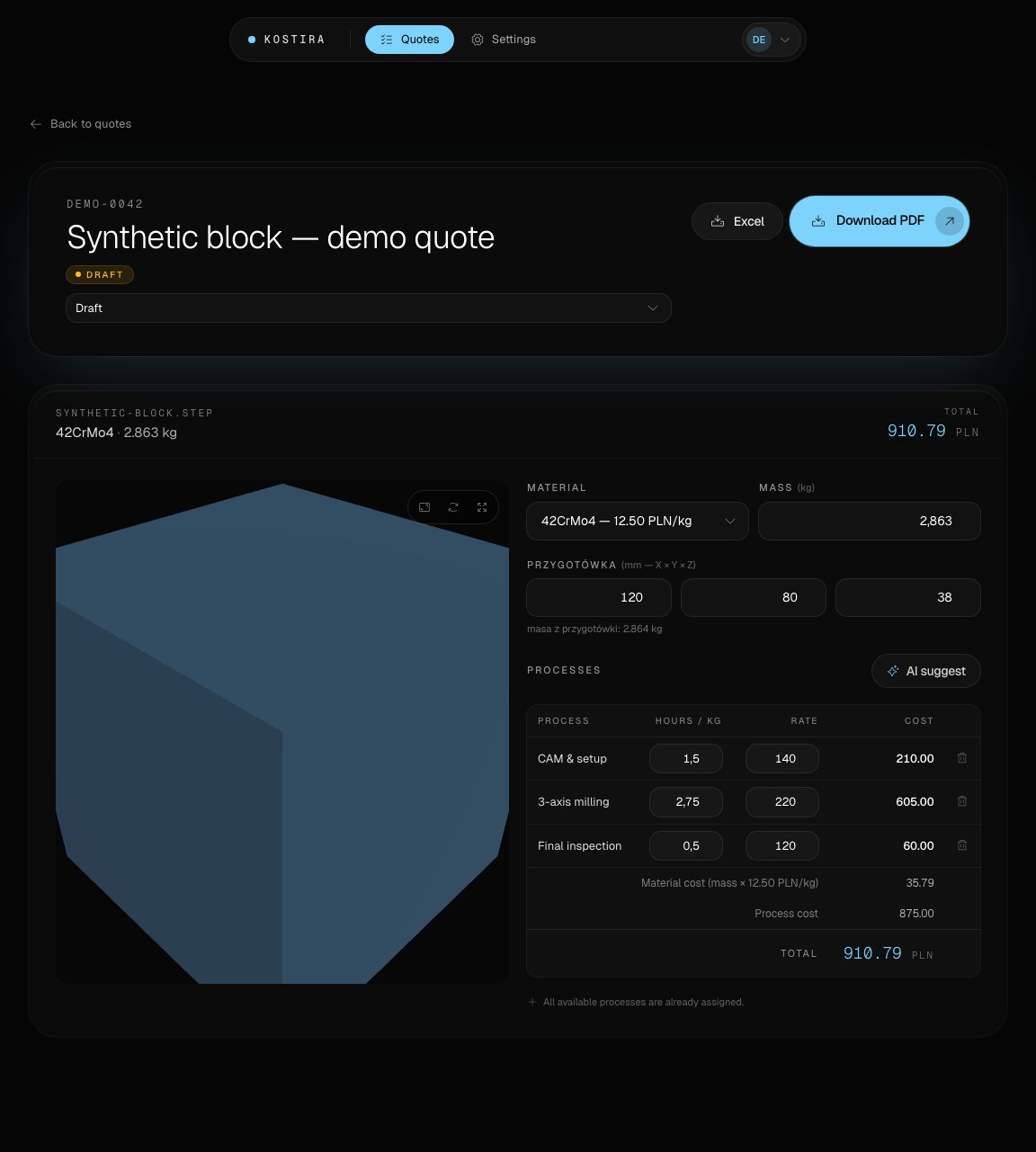
What Kostira adds
| Area | Excel workbook | Kostira |
|---|---|---|
| CAD input | Usually entered or transferred manually | Geometry read from a STEP file |
| Materials and processes | Depends on the template design | Shop rates in the quoting workflow |
| Corrections | Flexible, with version-to-version drift risk | Editable assumptions in the context of one quote |
| Customer document | Requires a maintained template | PDF quote output |
| Further analysis | Native spreadsheet work | XLSX export |
Kostira can sit alongside Excel. The XLSX export lets a team continue downstream analysis in tools it already uses.
Judgment is still required
Neither a spreadsheet nor an application automatically knows the full process plan, current stock availability or the risk of a specific order. An estimator or manufacturing engineer should approve operations, hours, rates and terms.
Start with the Kostira features and end-to-end workflow. For the underlying method, read about CNC machining cost estimation. The open beta is free and needs no card.