
What STEP file quoting means
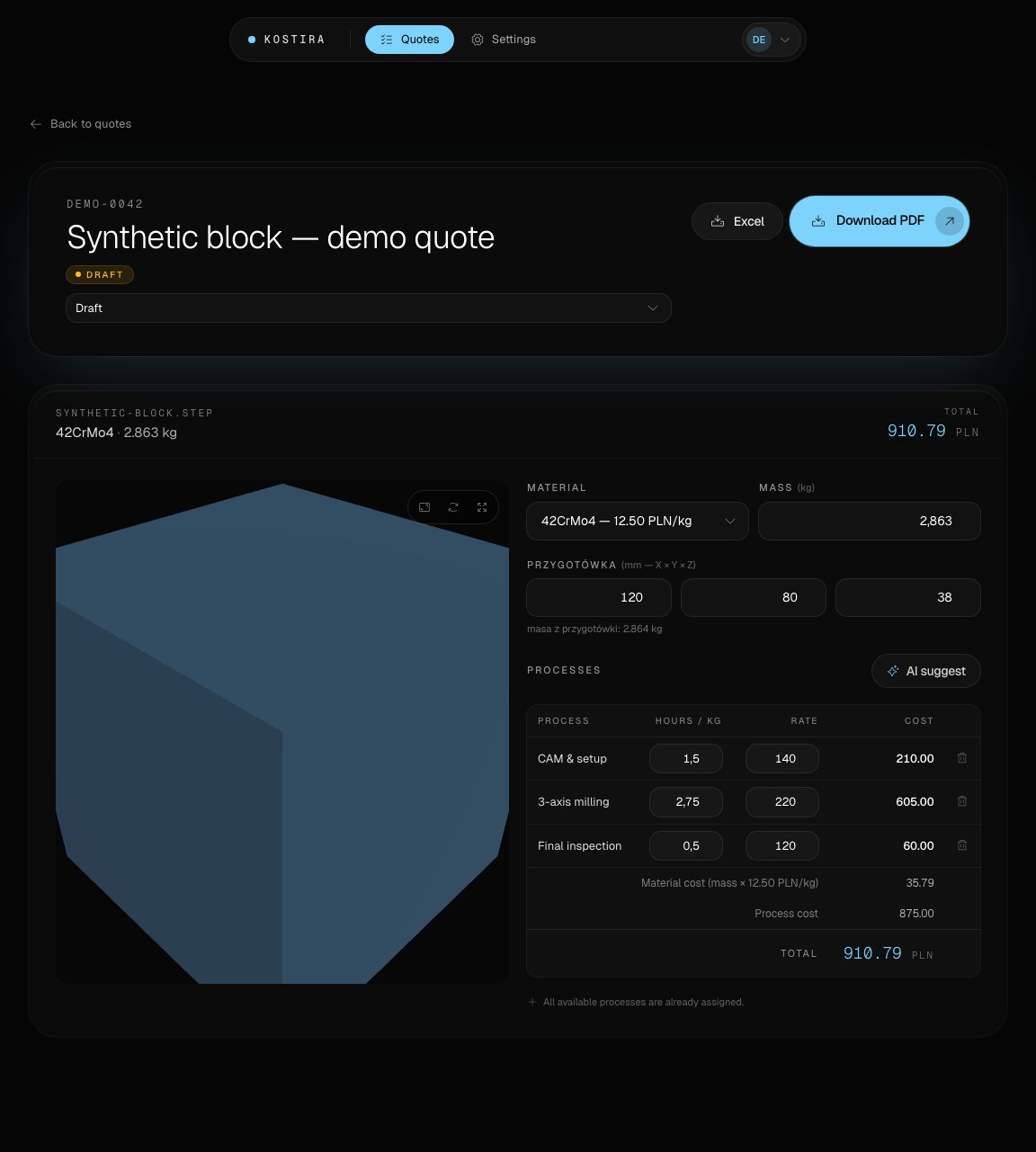
STEP file quoting uses a 3D solid model as a source of geometric data for an estimate. In Kostira, geometry is one input among several: stock choice, process planning, machine rates and the estimator’s interpretation all contribute to the price.
The workflow
For your first trial, choose one part you have already quoted. Keep its drawing and your existing estimate alongside the STEP file. Set the workspace currency, check your material price and machine rate, then compare the editable result with your own assumptions. This makes disagreements in stock, operations or time easier to spot.
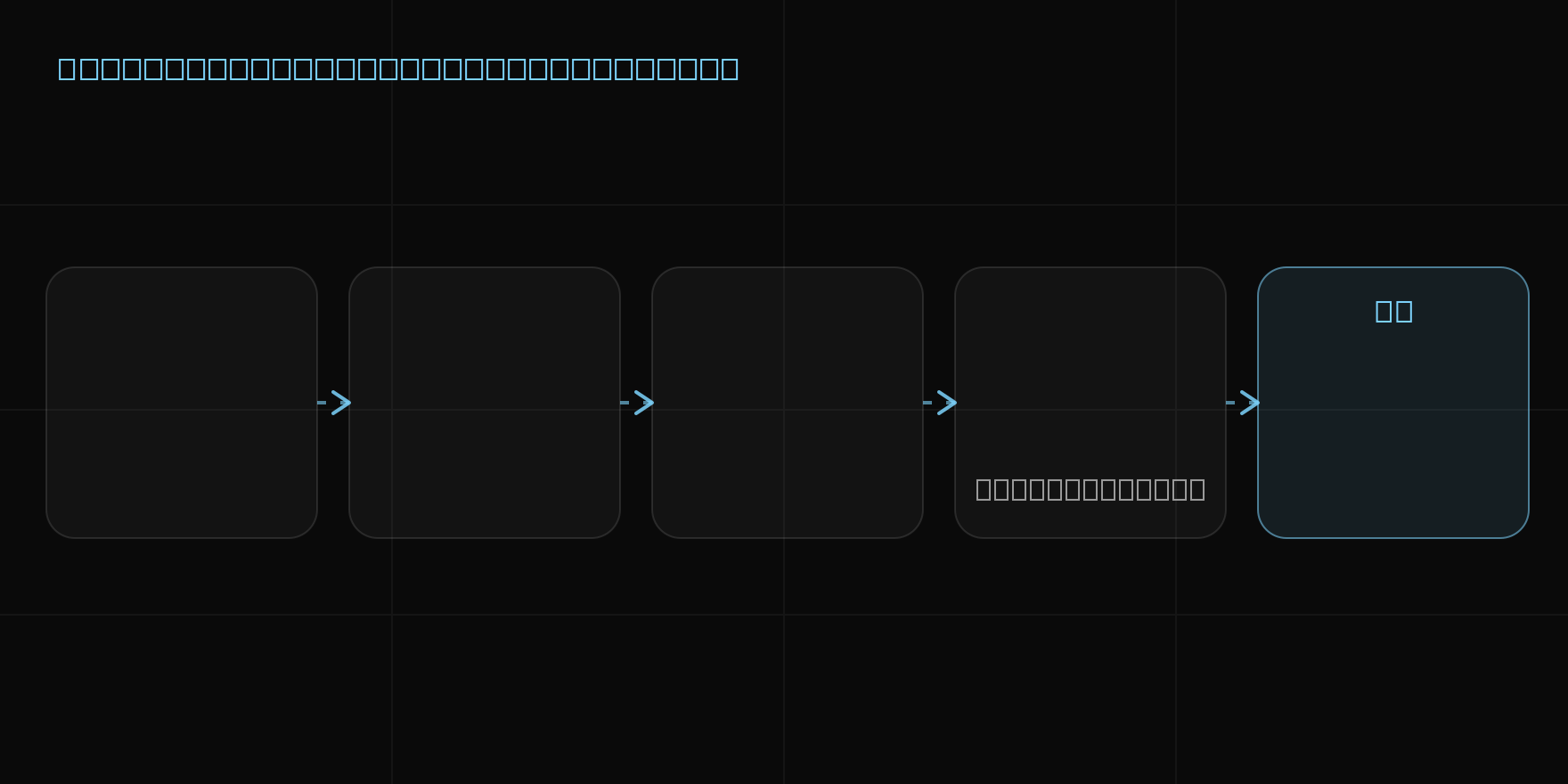
1. Add the part model
The user uploads a STEP file in the browser application. Only upload models you are authorized to process, and remove customer names or project references from filenames when they are not needed.
2. Build on the geometry
Kostira reads the model and uses its geometry to prepare inputs for the estimate. This reduces some manual transfer of data, but it does not turn CAD into a complete manufacturing plan.
3. Apply shop-specific assumptions
Material, operations, hours and rates must reflect the shop that will make the part. The user reviews and edits them to account for tolerances, workholding, inspection and requirements that sit outside the solid model.
4. Review and export
Once the assumptions have been checked, the cost breakdown can support a PDF quote or XLSX export. The person sending the quote remains responsible for the final price and scope.
Compare the workflow with your current method
Use the CNC quoting software evaluation checklist to test one previously quoted part, change the batch quantity and reconcile the export. Record any corrections so that matching totals do not hide different assumptions.
What a STEP file cannot decide by itself
A STEP model normally does not include supplier availability, current purchasing terms, required tooling, machine loading or every note from the drawing. Kostira therefore does not present geometry as a guarantee of cost, manufacturability or delivery.
For a transparent comparison, use the worked batch-cost example in our CNC quoting guide. It separates setup from per-part cost and shows how quantity changes the unit cost under explicit assumptions.
See the full how-it-works guide, read about CNC machining cost estimation, and review security guidance for CAD files.